Installation
Install quantedOptions Profile
Dealer positioning on the chart you already trade: GEX, CEX, VEX and DEX per strike on eight desktop platforms, and gamma levels on TradingView. Pick your platform.
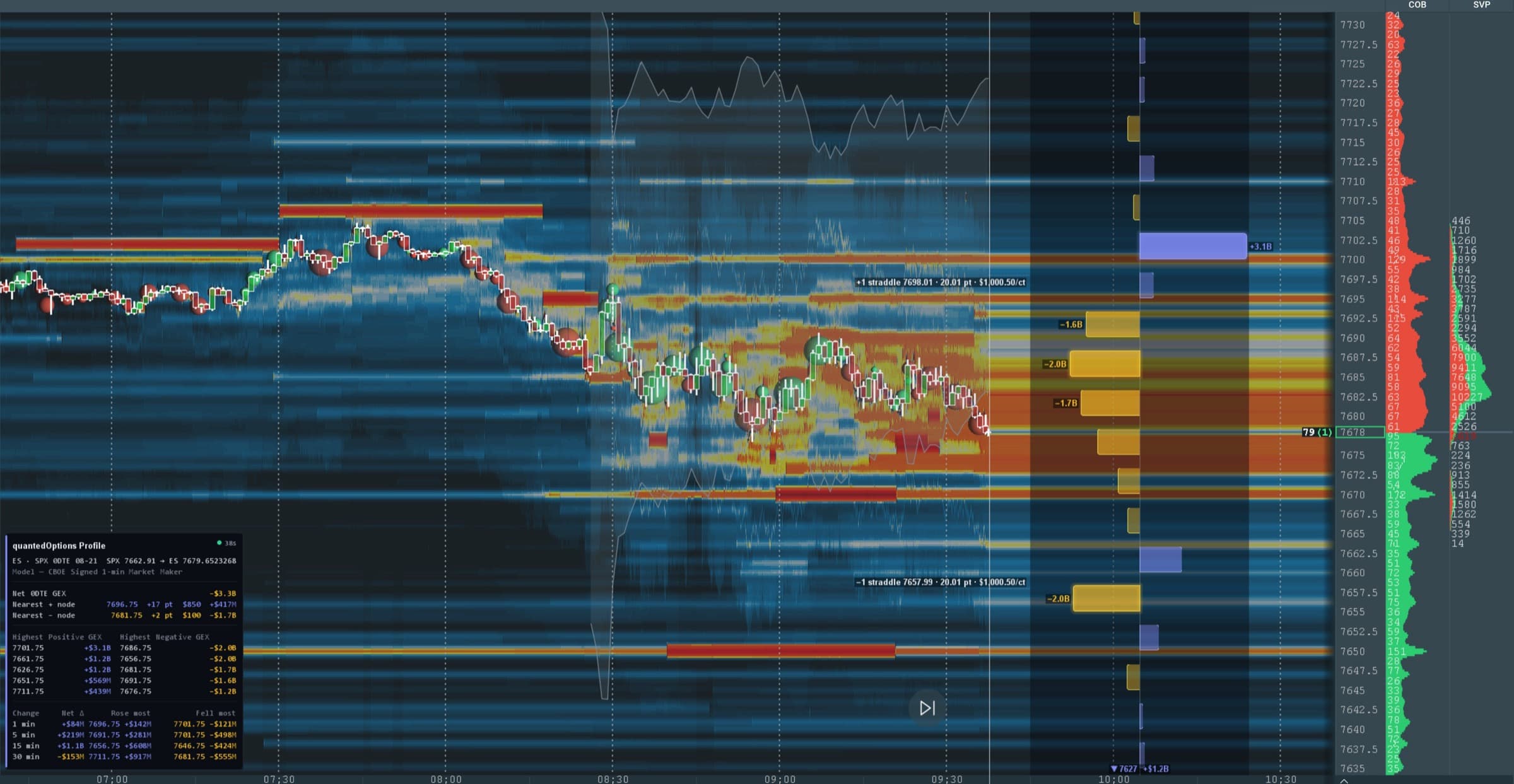
 Windows · macOS
Bookmap
quantedoptions_profile_bookmap.jar
Step-by-step install
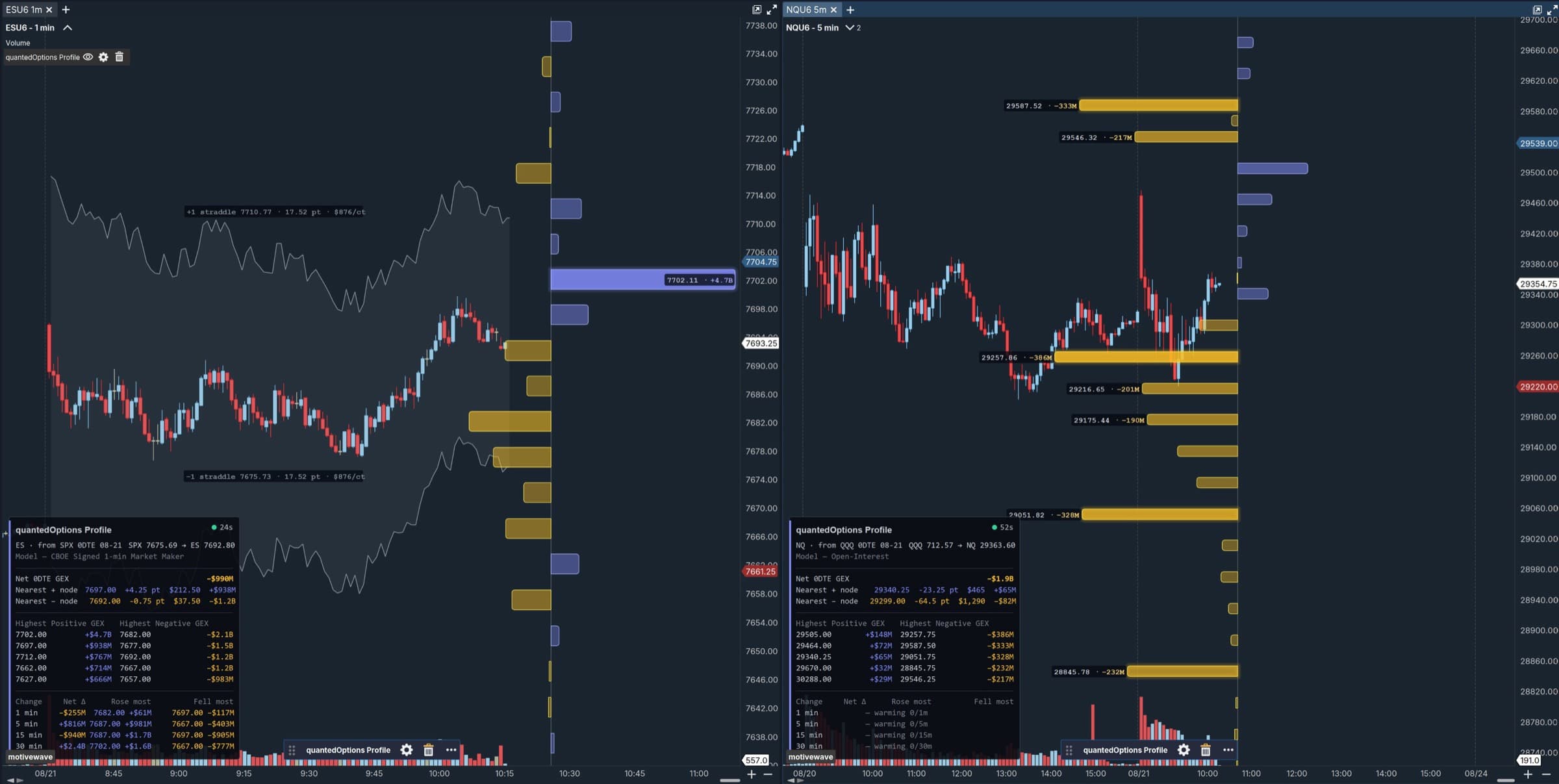
 Windows · macOS · Linux
MotiveWave
quantedoptions_profile_mw.jar
Step-by-step install
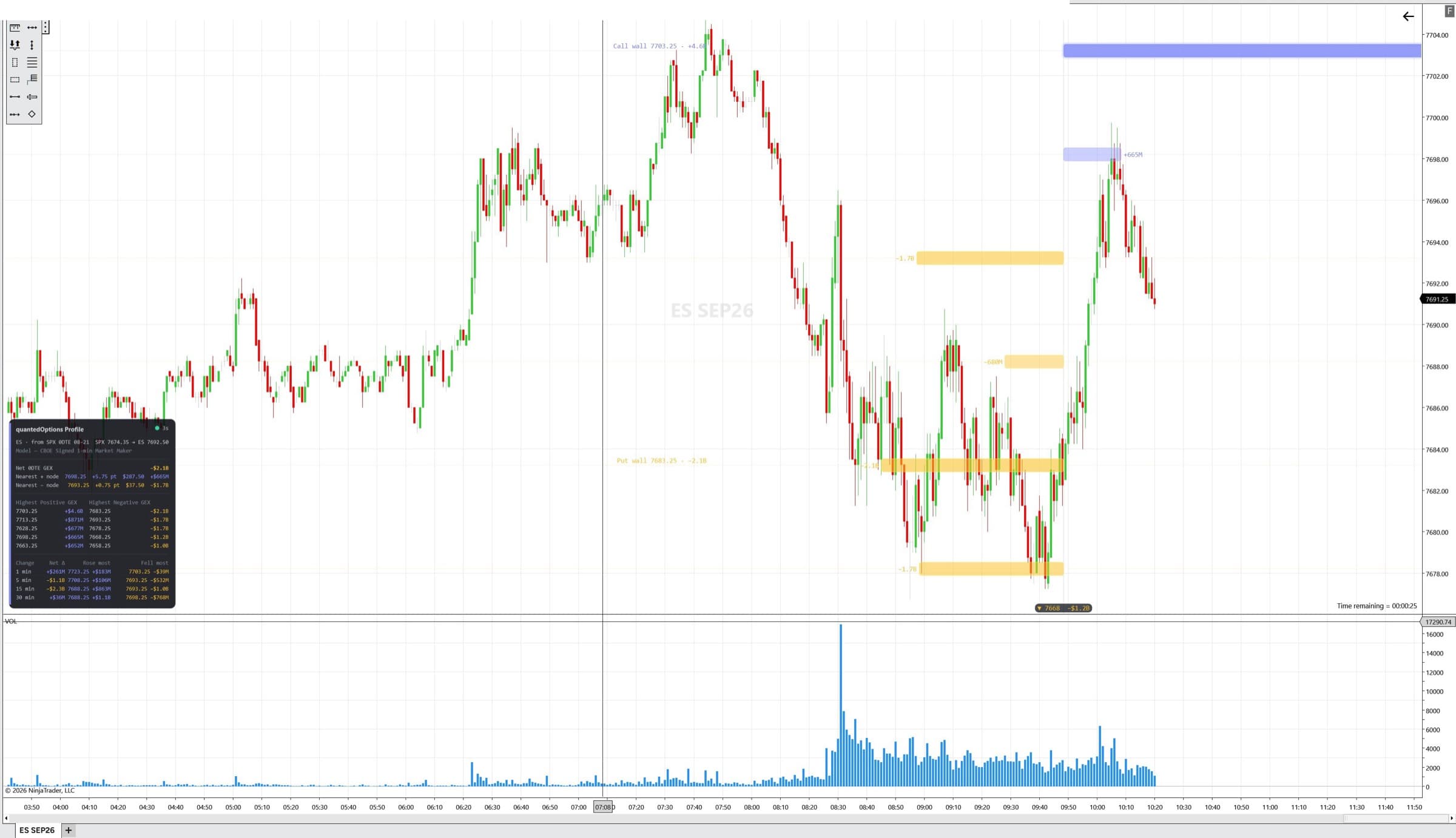
 Windows
NinjaTrader 8
quantedoptions_profile_nt.zip
Step-by-step install
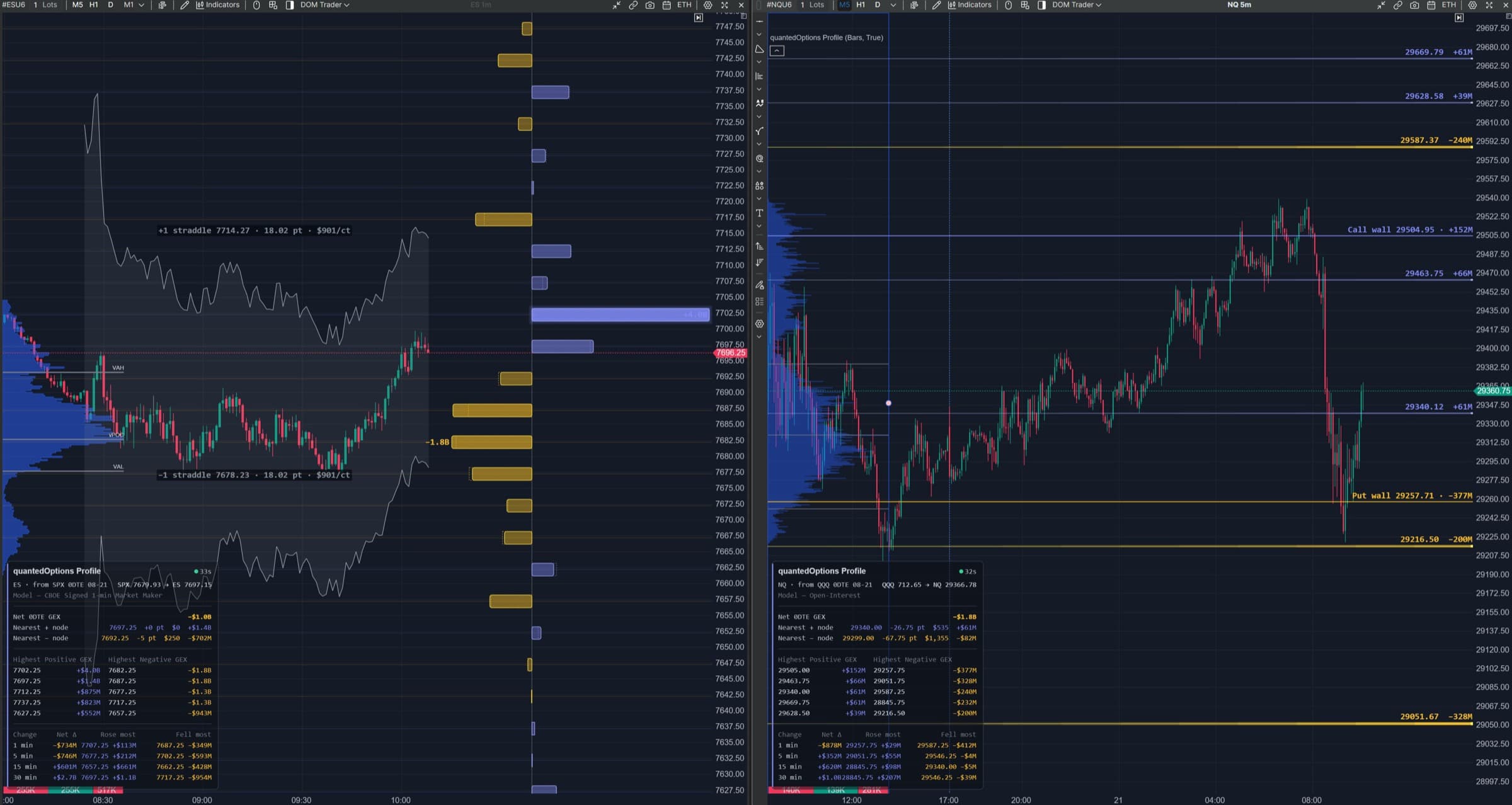
 Windows · macOS
ATAS X
quantedoptions_profile_atas.zip
Step-by-step install
 Windows
Quantower
quantedoptions_profile_quantower.zip
Step-by-step install
 Windows
Sierra Chart
quantedoptions_profile_sierra.zip
Step-by-step install
MetaTrader 4 & 5
quantedoptions_profile_metatrader5.zip
Step-by-step install
cTrader
quantedoptions_profile_ctrader.zip
Step-by-step install
Already installed? Settings explained, one line each.
What you need
A quantedOptions account with the Orderflow Plugin — or quantedUltra, which includes it.
The Orderflow Plugin covers two platforms of your choice; any other platform can be added for a small monthly amount. quantedUltra covers all eight.
Your API key.
Sign in at quantedoptions.com/orderflow-plugin and copy the key shown there. It starts with
qo_live_.The plugin file for your platform, downloaded from the same page (the file name is on each card above).
A chart with live or delayed price data for a supported future.
ES, MES, NQ, MNQ, RTY, M2K, YM, MYM, GC, MGC, ZB, UB, CL, MCL, SI, SIL, BTC, MBT, ETH or MET. The plugin does not bring price data; it draws on top of the chart you already have.
One key, all platforms
One API key, every platform. Run as many charts as you like; the plugin shares one connection per platform.
The key is yours, for up to three machines at once. More than that, or other people using it, shows on our side and breaks the terms of service — we may suspend the account. Don't put the key in a template or workspace you share.
Let Claude do it
Use Claude? Download claude-install.md and say “Help me install quantedOptions Profile on Sierra Chart with these instructions.” Same steps as these pages, written for Claude to follow. You type the key into the plugin yourself; Claude never needs it.
The settings are the same everywhere
Only the labels differ a little.
| Setting | Enter |
|---|---|
API base URL | https://www.quantedoptions.com/api — the www is required |
API key | your qo_live_… key, no spaces before or after |
Options underlying / Source ticker | AUTO. The plugin reads the chart symbol and picks the matching options data — ES and MES get the CBOE C1 market-maker SPX book; NQ, RTY, YM, GC, ZB, CL, SI, BTC and ETH (and their micros) get their own. |
Conversion | AUTO. How source prices are mapped onto your chart. Leave it. |
Book | Today's / nearest expiry shows today's 0DTE expiry, or the nearest listed expiry when there is none today. All expiries shows every listed expiry. |
How to tell it works
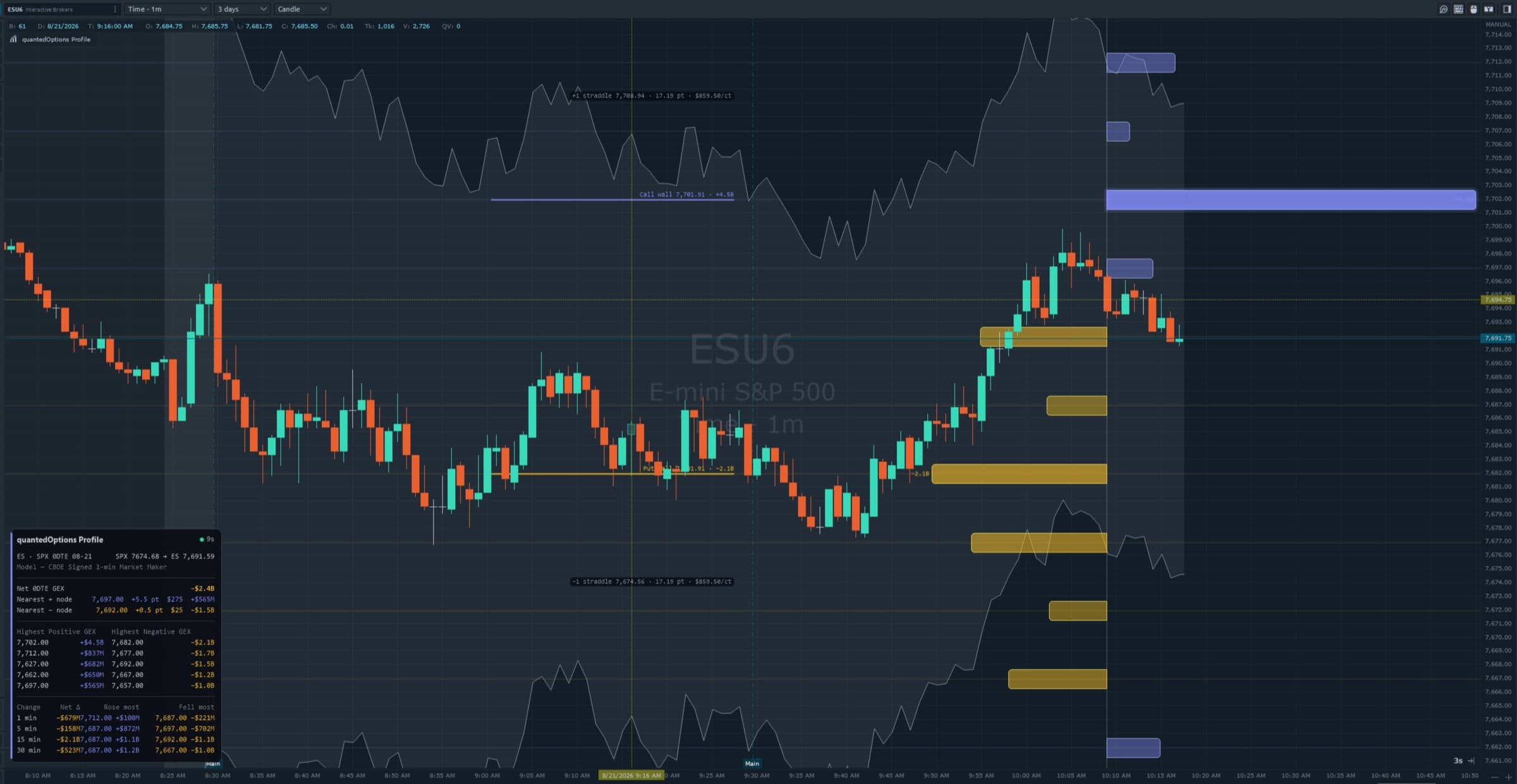
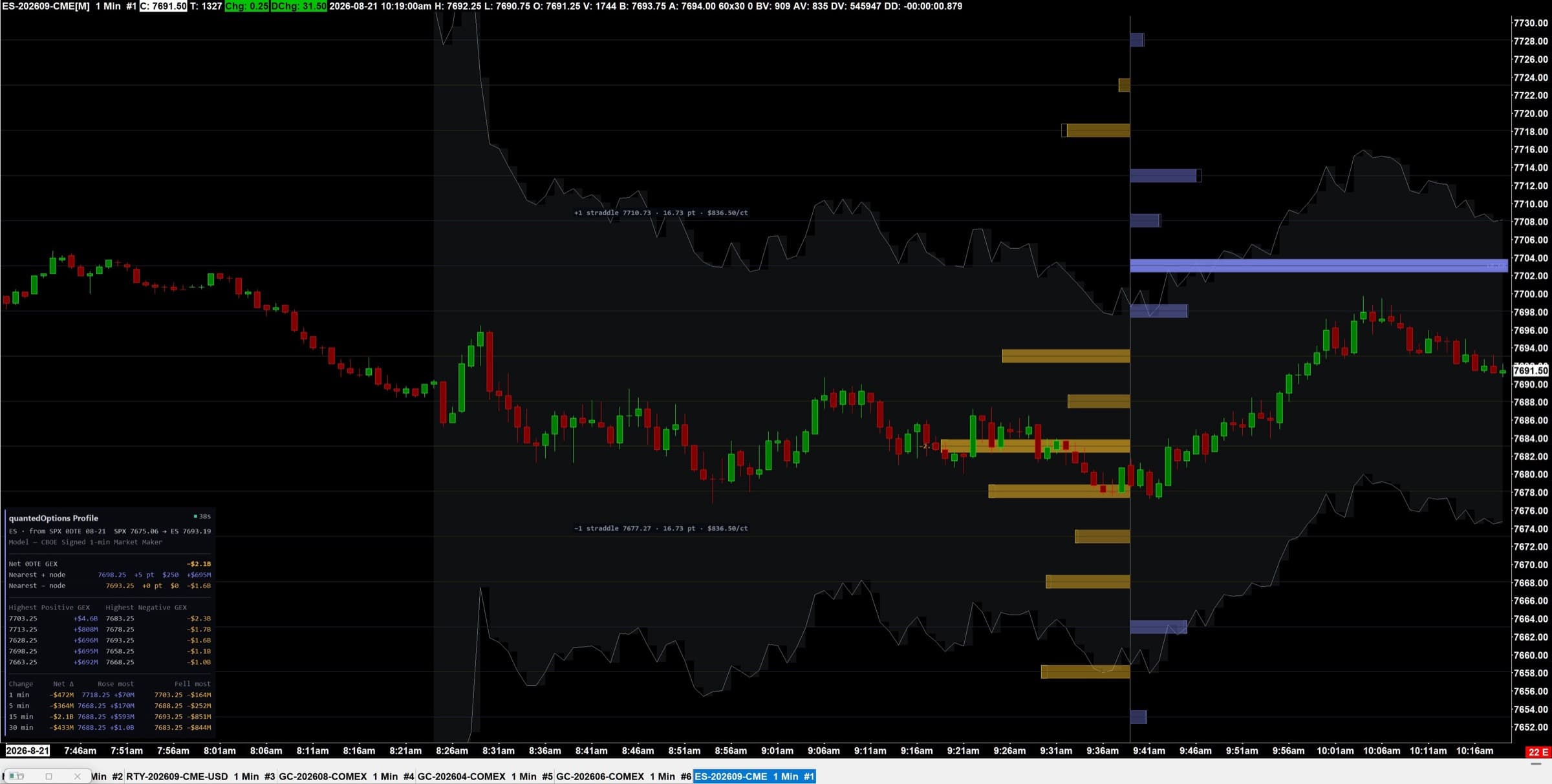
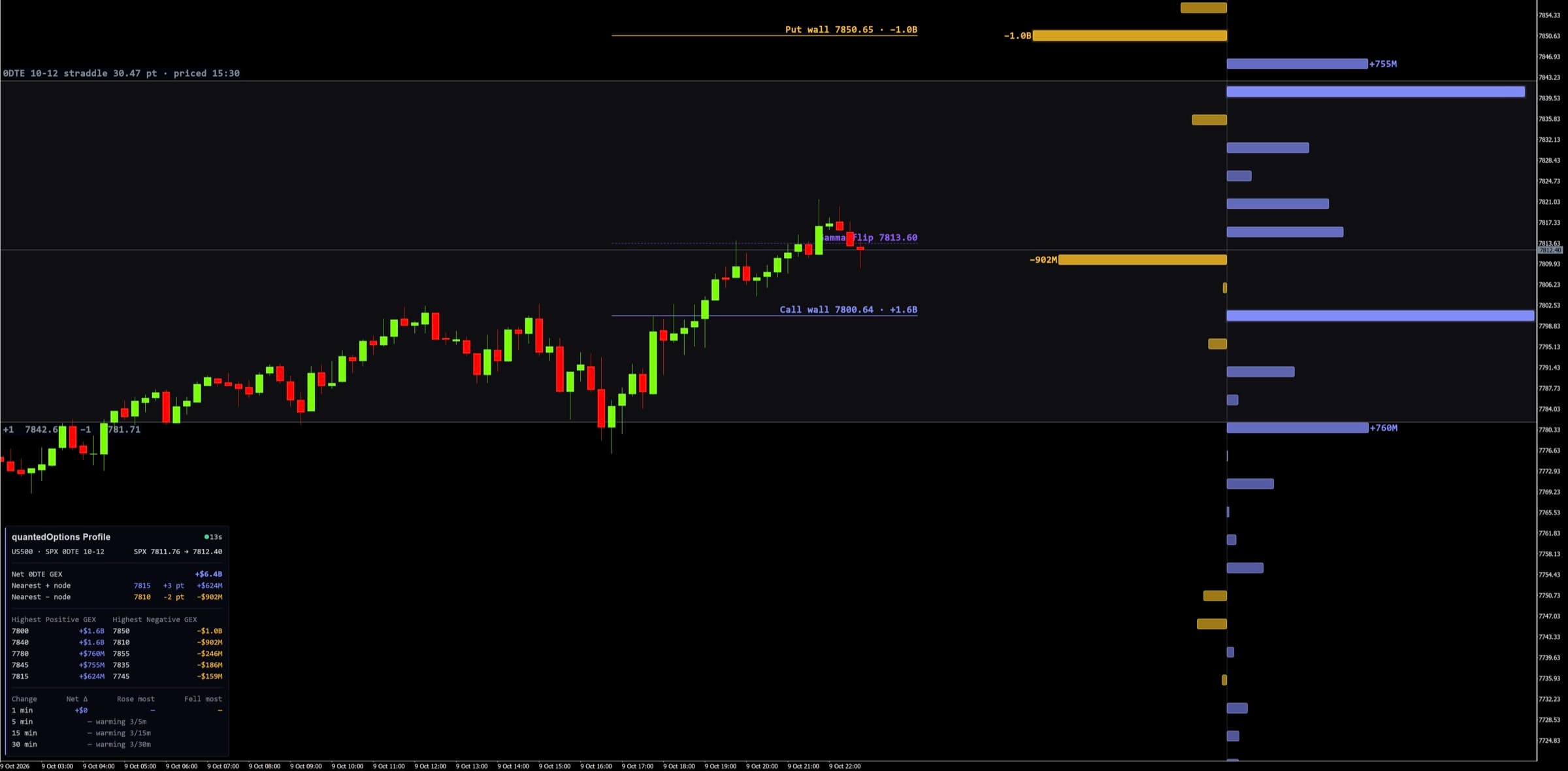
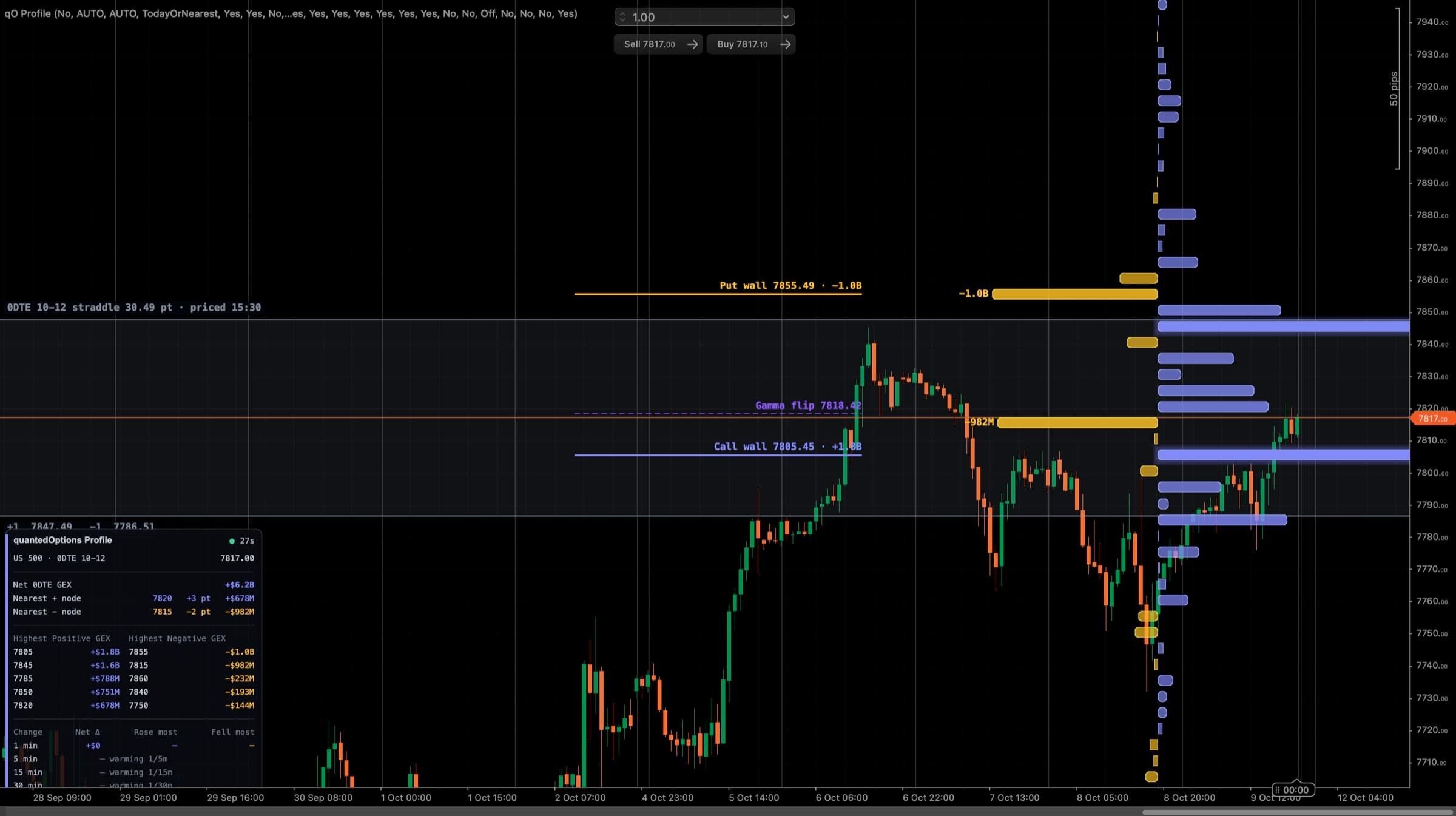
A ladder of bars on the right of the chart, one per strike, and a small panel in the bottom-left corner. The panel's first line
names the chart and the source — ES · from SPX 0DTE 08-19 — then the prices: SPX 6480.25 → ES 6512.00.
The dot in the panel header: green = fresh, amber = a few minutes old, red = stale. Outside market hours the last data is held and the dot stays green.
If it doesn't work
| What you see | What to do |
|---|---|
| The panel or label reports HTTP 401 or 403 | Check the key: no spaces at either end. Lost it? Regenerate it on your plugin page and paste the new one. A 403 also happens with an out-of-date plugin file — download the current one. |
| Nothing draws and there is no error | Check the URL. It must be exactly https://www.quantedoptions.com/api. Without www the request is redirected and the plugin does not follow redirects. |
| Bars draw at the wrong prices | The chart has no live last price yet (a fresh chart with no ticks, or a symbol the plugin does not recognise). Wait for a tick, or set the underlying by hand. |
| The panel says rate limited | You have more charts open than the key allows across all machines. Close a few, or wait a minute. |
Each platform page has its own short list. Still stuck: send a screenshot and the log lines starting qO Profile.