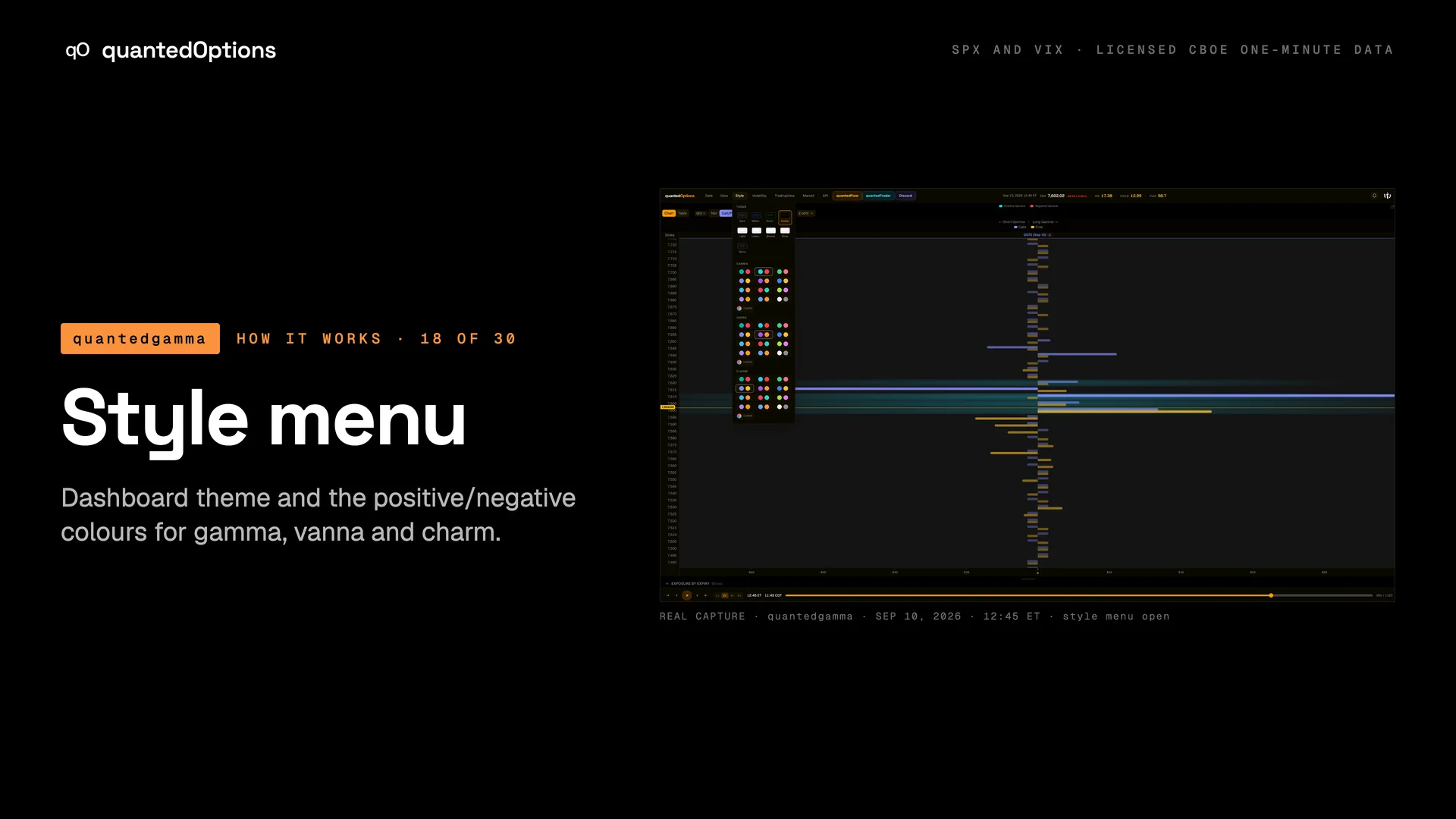
Style menu
Dashboard theme and the positive/negative colours for gamma, vanna and charm.
What it shows
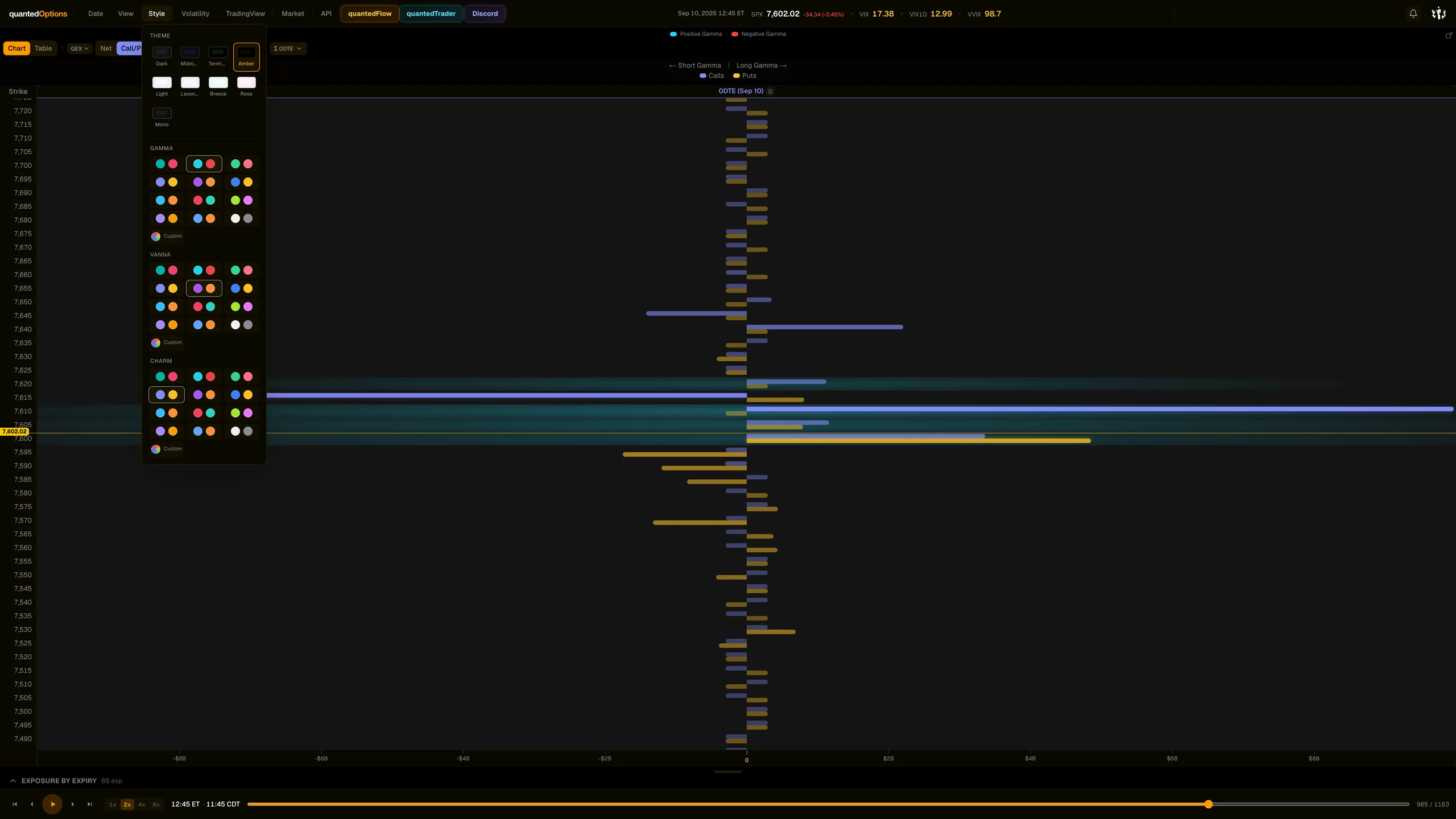
A theme grid for the whole dashboard, then a palette row each for Gamma, Vanna and Charm. 'Custom' opens colour pickers for Pos and Neg and, for gamma, four 'Split mode (GEX/DEX)' colours: Long Call, Short Call, Long Put, Short Put.
What it is built from
Your own colour choices, saved in your browser.
Reading
How to read it
- The Strike Profile legend always tells you which colour is positive for the metric on screen.
- Defaults: gamma cyan/red, vanna purple/orange, charm indigo/amber.
- In Call/Put split mode the four custom colours mean Long Call, Short Call, Long Put, Short Put, where Long is a positive value and Short a negative one for the account type on screen (market maker by default).
Controls
What each control does
| Control | Options | What it changes |
|---|---|---|
| Theme | dashboard themes incl. light, lavender, breeze, rose, mono | Recolours the whole page and charts. |
| Gamma / Vanna / Charm palette | preset pairs or Custom | Positive and negative colours for that metric everywhere. |
| Custom quadrant colours (gamma) | Long Call, Short Call, Long Put, Short Put (defaults green, cyan, red, purple) | Colours of the Call/Put split bars. |
Read it with
Good to know
- Colours are yours to set, so read the legend: it always names which colour is positive.
A real session
See it happen
12:45 ET
Call/Put split bars at 7610/7615 coloured by the four quadrant colours.
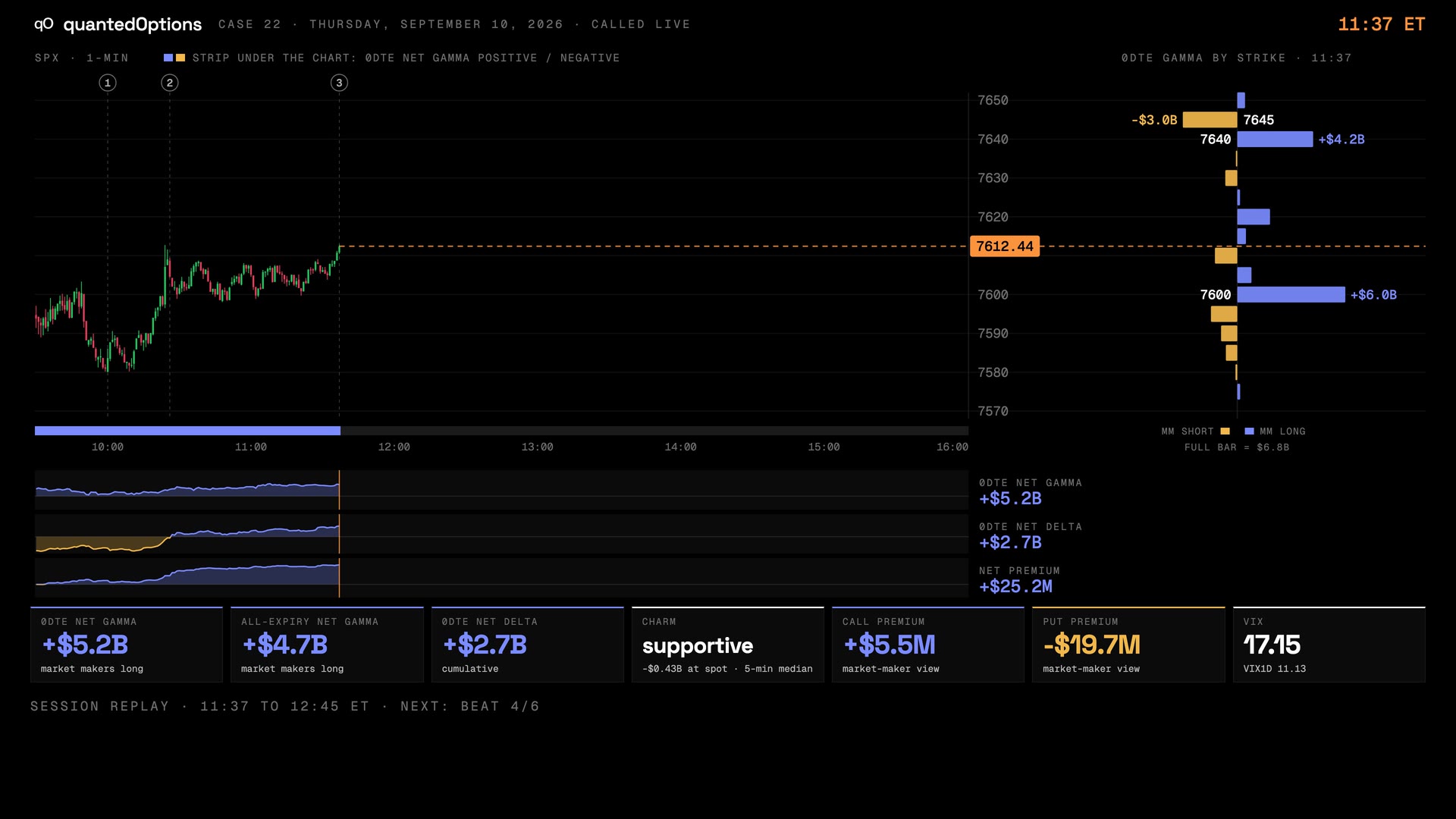
Case 22 · Sep 10, 2026
Two verticals in one session: a floor sold in the morning, a ceiling sold at lunch
9 slides
The walk-through, slide by slide
Slide 1 / 9
From the product
Real frames
Shot off the live product, nothing redrawn. Click the right side of a frame for the next one, the left side to go back.
Product frame 1 / 1
These pages describe what the displays show and what the data did on the sessions shown. They are not trading advice, and a past session is not a forecast of a future one.