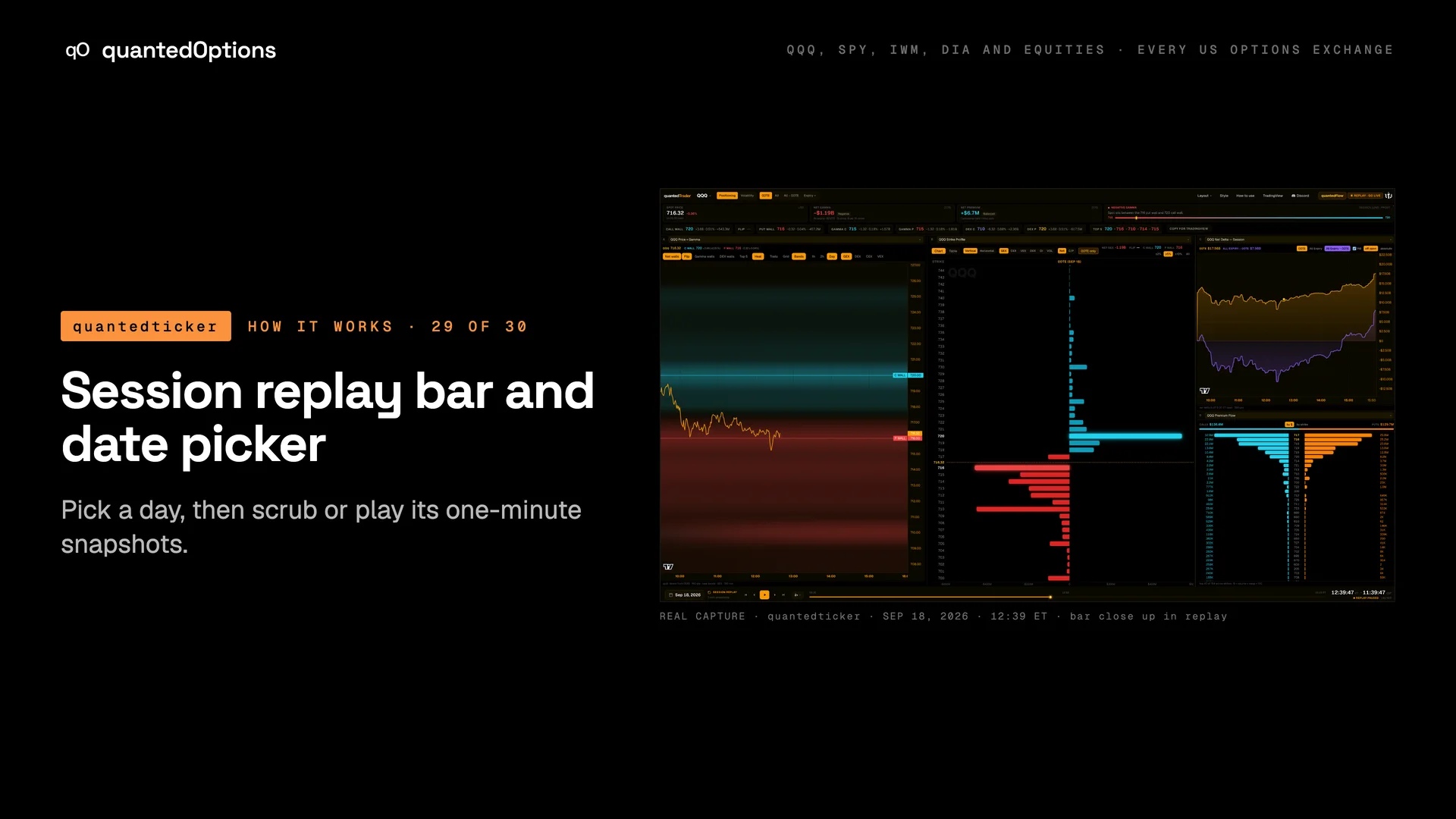
Session replay bar and date picker
Pick a day, then scrub or play its one-minute snapshots.
What it shows
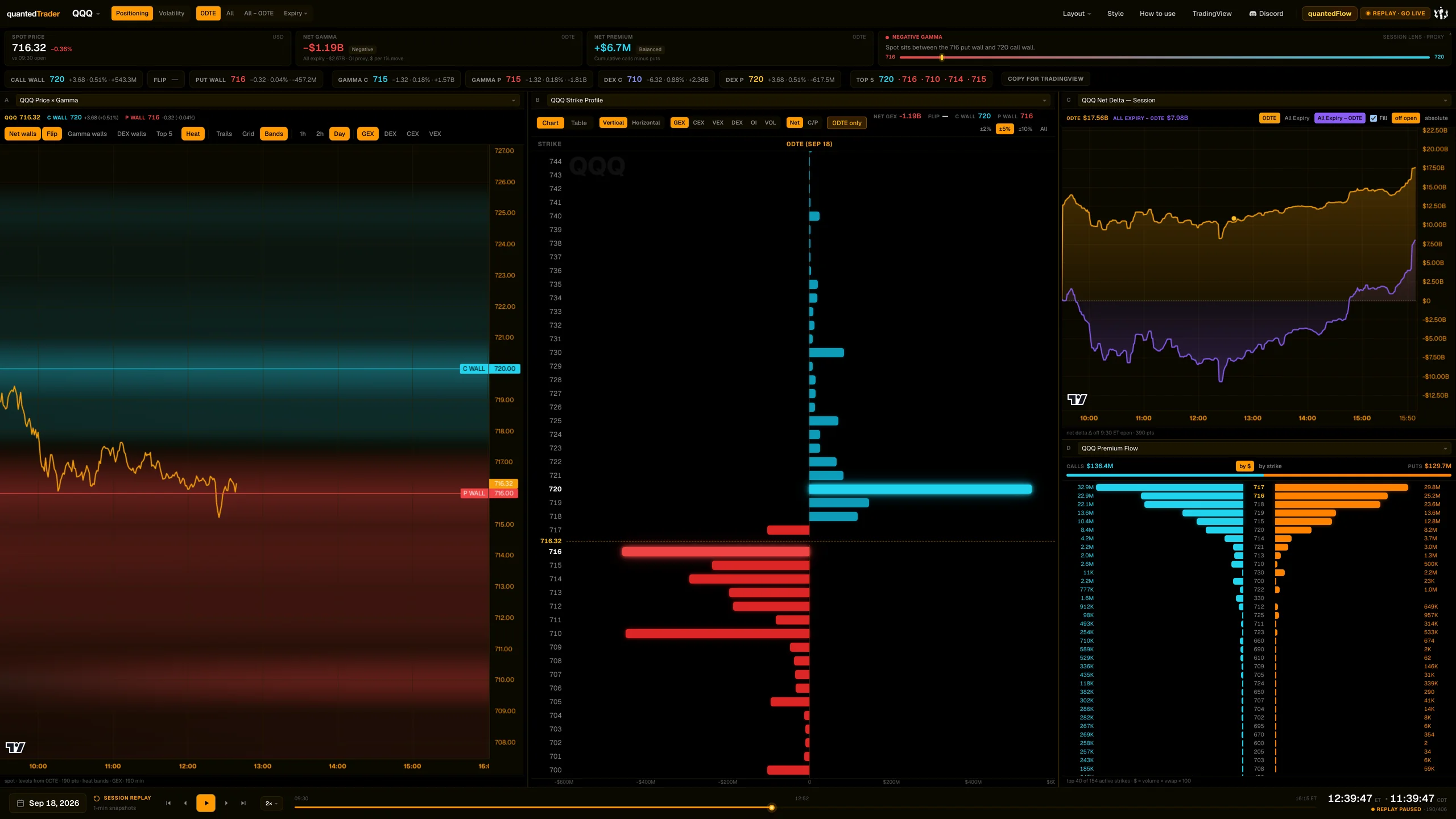
A date picker of stored days, the labels 'Session replay' and '1-min snapshots', transport buttons, speeds, a slider, an ET clock with optional local time, and a state readout: live, replaying, replay paused or closed, followed by your position in the day.
What it is built from
The day's stored one-minute snapshots for the ticker, from 09:30 ET.
Reading
How to read it
- Scrub or play any minute of the day; every widget on the page follows.
- 'live' means you are on the newest data.
- Pressing play at the live edge restarts from the first minute of the day.
Controls
What each control does
| Control | Options | What it changes |
|---|---|---|
| Date | any stored day for the ticker | Loads that day. |
| Transport | Jump to start, Step back, Play/Pause, Step forward, Jump to live | Moves through the day. |
| Speed | 1x, 2x, 4x, 8x | Playback rate. |
| Slider ('Session timeline') | start to end of the day | Scrub to any minute. |
Read it with
Good to know
- Drag the slider to the end, or click the status pill, to return to live.
A real session
See it happen
12:39 ET
QQQ 2026-09-18 scrubbed to the 12:39 low.
12 slides
The walk-through, slide by slide
Slide 1 / 12
From the product
Real frames
Shot off the live product, nothing redrawn. Click the right side of a frame for the next one, the left side to go back.
Product frame 1 / 5
These pages describe what the displays show and what the data did on the sessions shown. They are not trading advice, and a past session is not a forecast of a future one.