Date menu
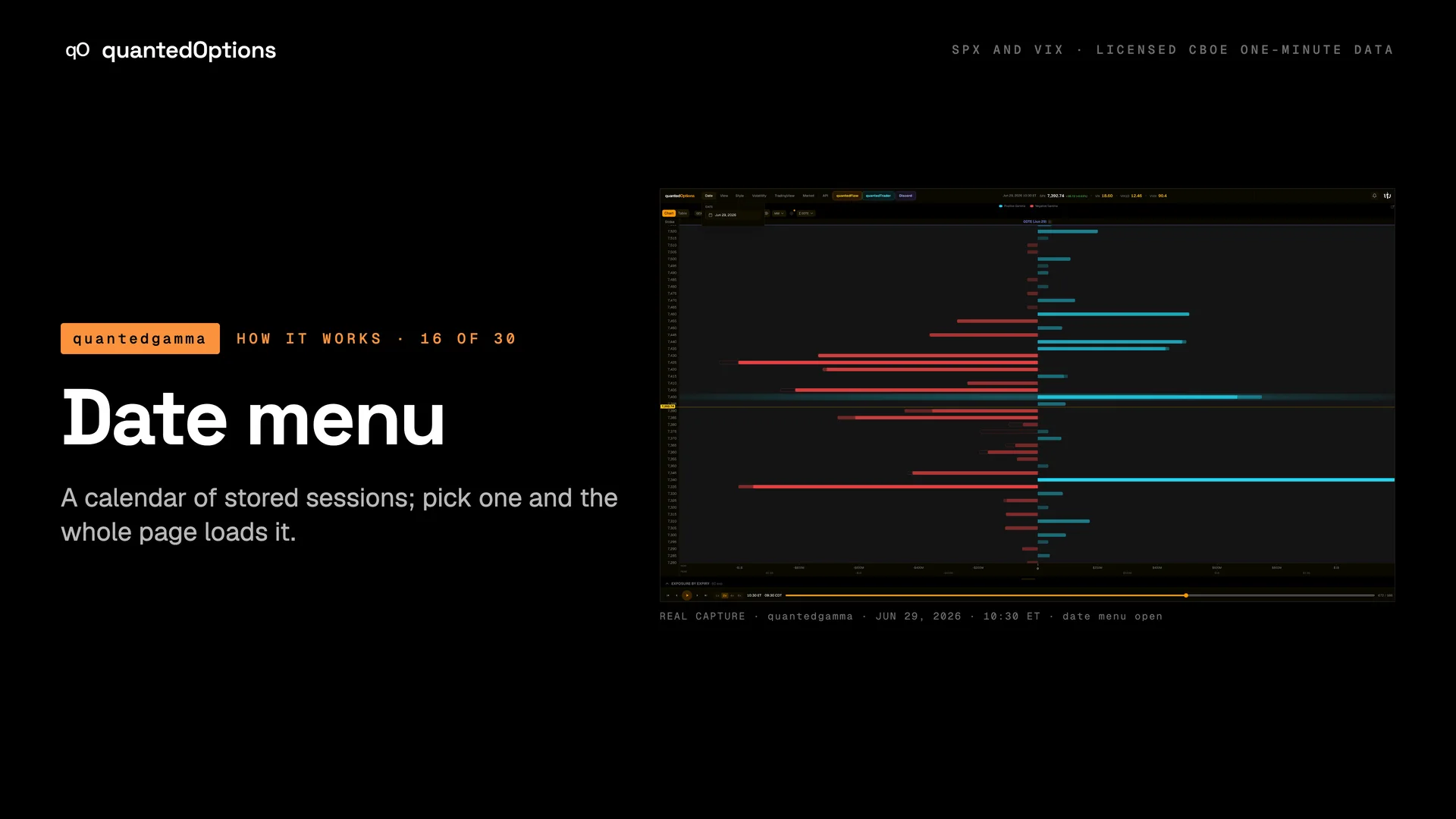
A calendar of stored sessions; pick one and the whole page loads it.
What it shows
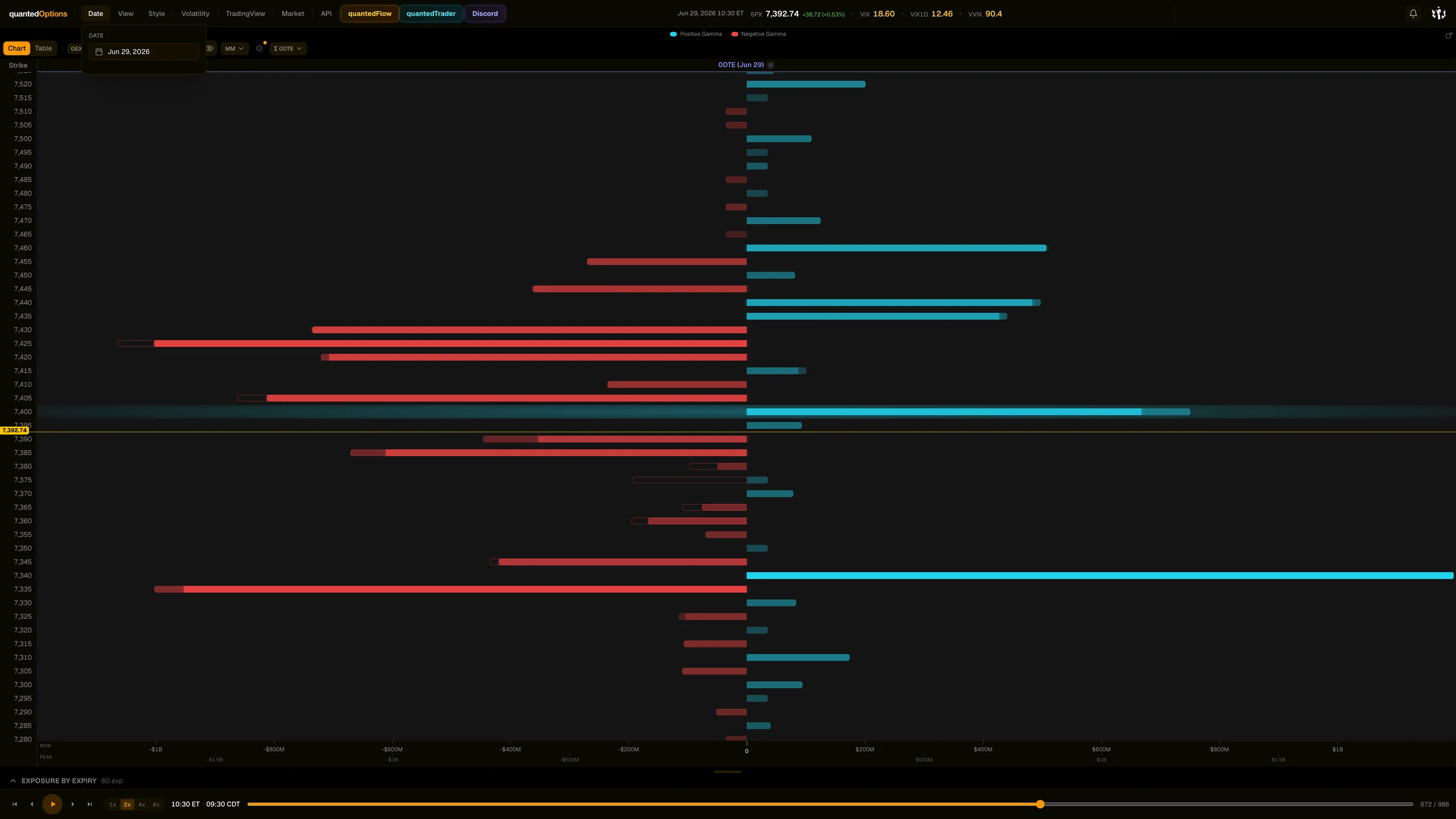
The first menu in the bar, labelled 'Date'. It opens a calendar of stored sessions. Choosing a day loads that whole session into every widget and closes the menu.
What it is built from
The archive of stored sessions.
Reading
How to read it
- A greyed day is a day without a session: a weekend, a holiday, or before the archive starts.
- After choosing a past day the header shows that date and the replay bar spans that session.
- Today's date with the replay bar at the end is the live view.
Controls
What each control does
| Control | Options | What it changes |
|---|---|---|
| Calendar | any enabled day | Loads that session. |
Read it with
- Replay bar — day first, minute second
A real session
See it happen
10:30 ET
Open Date, choose Jun 29, 2026: an archive session loads exactly like a live one.
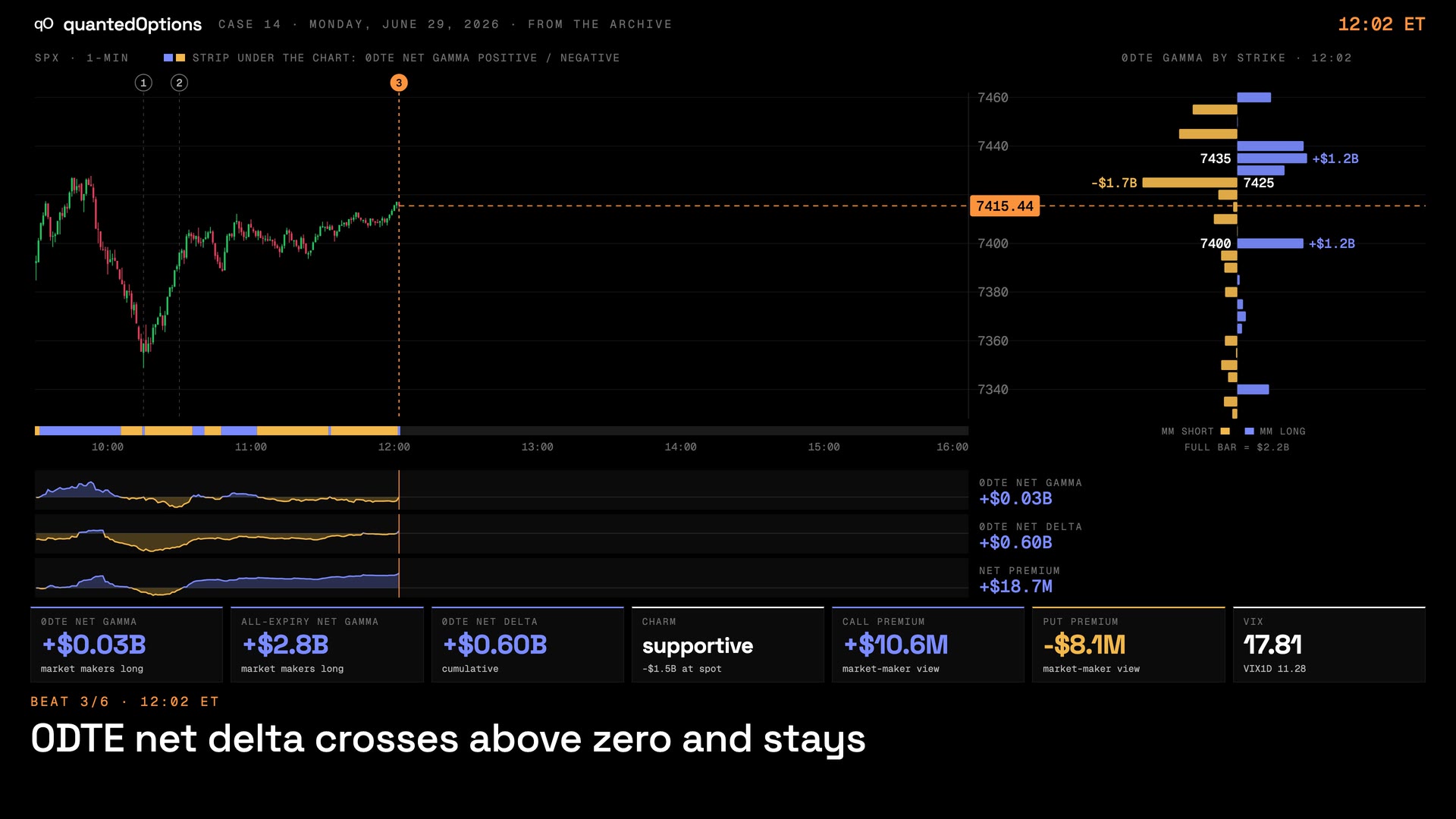
Case 14 · Jun 29, 2026
Everything lined up: the dive, the bounce, and one strike left above
9 slides
The walk-through, slide by slide
Slide 1 / 9
From the product
Real frames
Shot off the live product, nothing redrawn. Click the right side of a frame for the next one, the left side to go back.
Product frame 1 / 2
These pages describe what the displays show and what the data did on the sessions shown. They are not trading advice, and a past session is not a forecast of a future one.